


Choose a Template
Start from a proven resume template and adjust the layout, sections, and wording for your role.


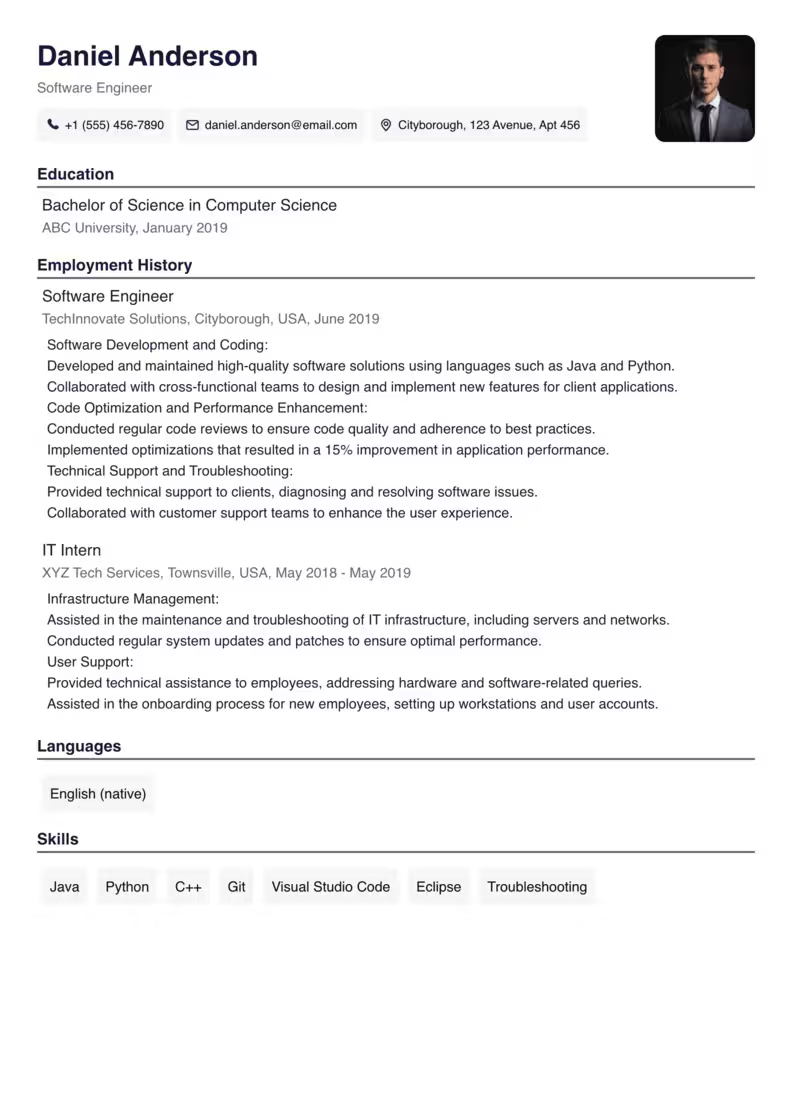


Free resume builder
Choose a professional template, fill in your details, and download a PDF resume without signing up.
Free PDF resume builder with ATS-friendly templates
Trusted by job seekers worldwide
Name the role you want and we'll start filling in your resume
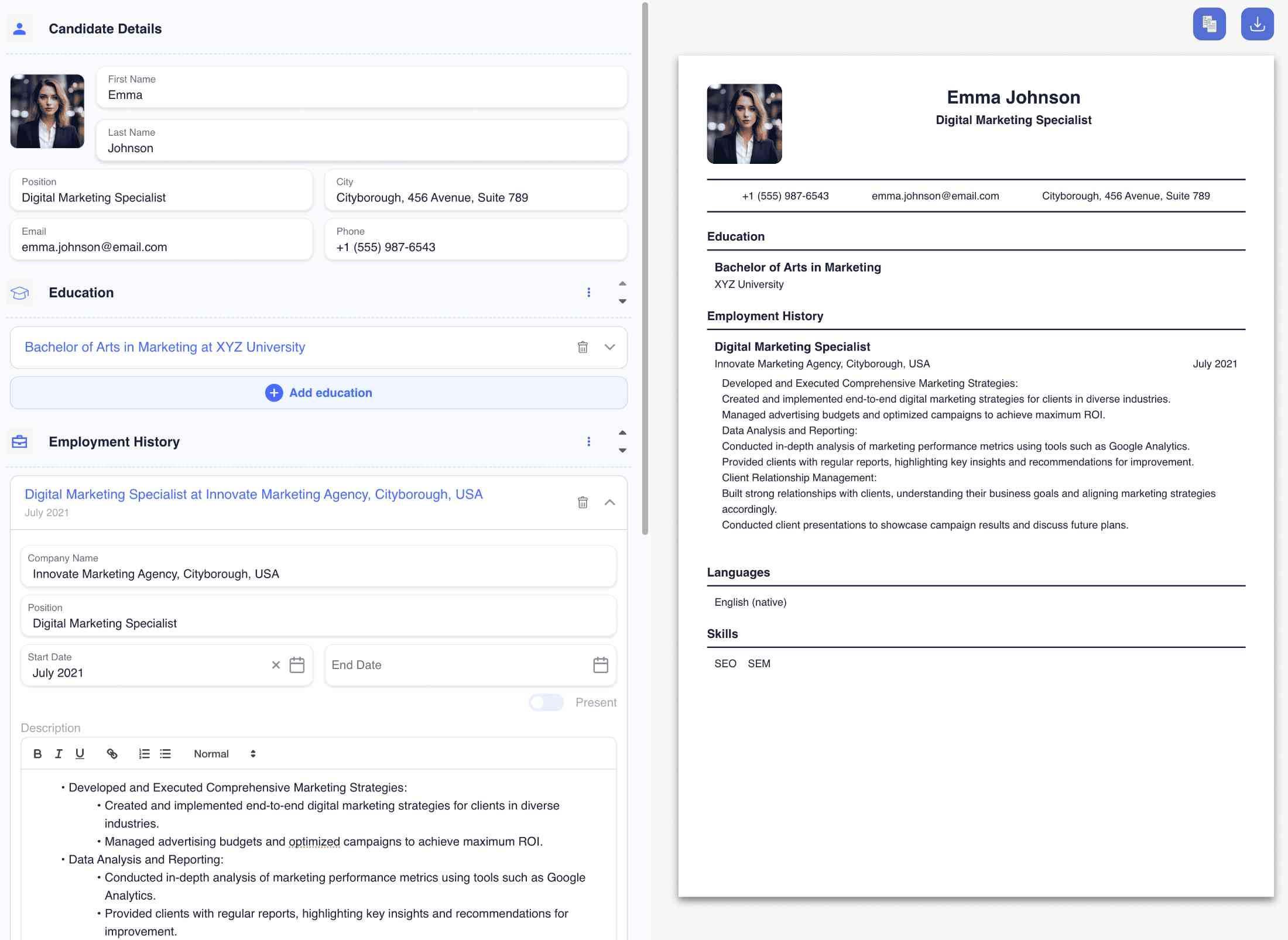
Online editor
Create a resume online without fighting formatting. Add your details, choose a template, and export a PDF when it is ready.
Create resumeTemplates
Every template is built for ATS parsing and prints cleanly to PDF. Choose a layout, edit the sections, and export your resume.
Resume examples
Use examples to understand what to include, then choose a template and turn your experience into a clear PDF resume.
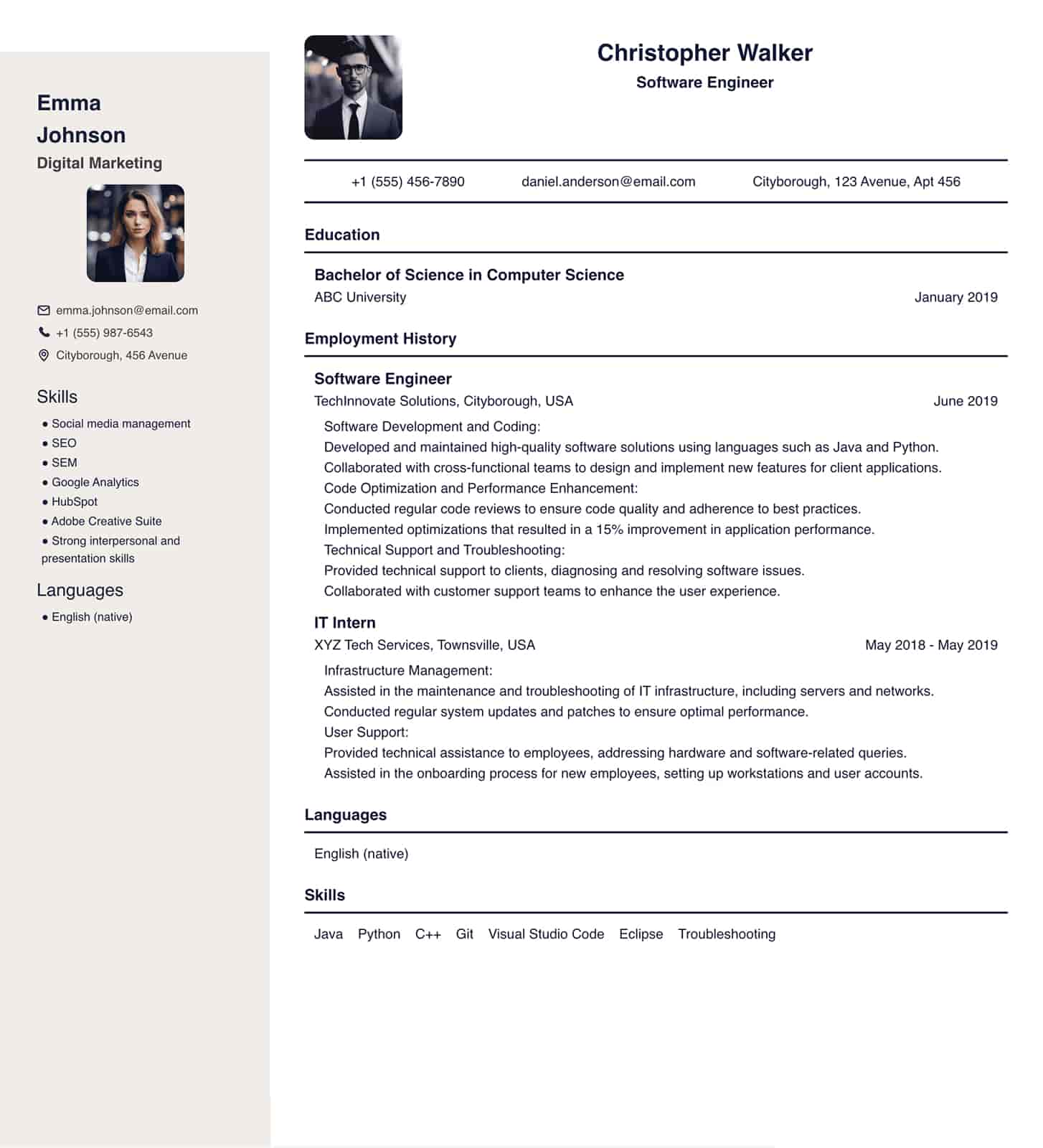
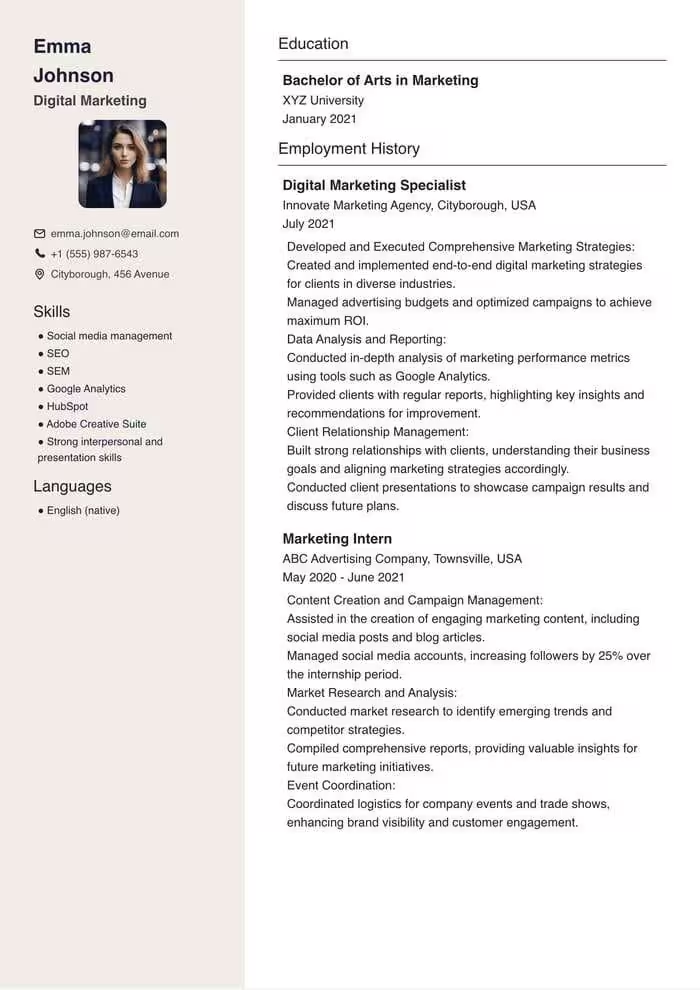
A focused builder for templates, structure, PDF export, and clear resume writing.
Standard headings and clean formatting help resume scanners read your content.
Choose a layout that looks polished without spending time on design.
Download a ready-to-send file with consistent fonts, spacing, and layout.
Create versions for different roles by adjusting skills, summary, and achievements.
Steps
Start with a template, add your experience and skills, then export a polished PDF that is ready for job applications.
Pick a layout that fits your role, experience level, and preferred style.
Add experience, education, skills, and links in a clear step-by-step editor.
Export a clean PDF with consistent spacing and send it to employers right away.
Two things that save the most time: a ready layout and correct section names in the language of the application.
Start from a proven resume template and adjust the layout, sections, and wording for your role.
Build a resume for international applications with localized section names and readable formatting.
Resume examples
Open a ready example for your role to see which sections, skills, and achievements to include.
Reviews
See how our resume builder has helped professionals advance their careers.
I had my resume ready in under 20 minutes. The ATS-friendly format made a real difference — I started getting interview callbacks within a week.
I tried three other resume builders before this one. ResumeQuill was the only tool that exported a clean PDF without any layout issues. Not needing to register was a big plus.
I keep three versions of my resume for different roles. Duplicating one and swapping the summary and skills takes about five minutes now.
I read resumes every day, and the ones built here are easy to scan — sections in the right order, dates aligned, nothing lost in a broken layout.
I was changing careers and had no idea what to put first. The guided sections told me exactly what each block needed, and the result looked professional.
I applied at home and abroad, so I made two CVs in different languages from the same content. The layout stayed identical in both PDFs.
Small edits that help recruiters understand your value faster.
Use relevant keywords from the vacancy and highlight the experience that fits.
Use numbers, outcomes, and context instead of listing only duties.
Short sections, clear dates, and consistent spacing make the resume easier to read.
Review spelling, contacts, dates, and PDF formatting before you apply.
Move from blank page to finished PDF with templates, examples, and writing guides.
Choose a layout for your role and start editing online.
View templatesSee how other roles structure experience, skills, and achievements.
View examplesLearn what to write, what to remove, and how to prepare for ATS scans.
Read guidesResumeQuill is a free resume maker that helps you create a professional resume or CV online with templates, guided sections, and PDF export.
You can start without registration, edit the content in your browser, and download a file that is ready for applications. The same editor works as a CV maker: switch the document language and build a CV for international applications in minutes.
Use our resume templates , resume examples and resume writing guides to write faster and avoid common mistakes.
FAQ
Quick answers about creating, editing, and downloading your resume online.
Choose a template, fill in your experience, education, and skills, then download the finished resume as a PDF. You can start for free and no registration is required.
Yes. You can create a resume, use templates, and download a PDF for free. Creating an account is optional if you want to save drafts.
Yes. ResumeQuill supports multiple resume languages, so you can choose localized section names and build a CV for local or international applications.
Most users can create a first draft in 5 to 15 minutes. The exact time depends on how much work history, education, and project detail you add.
Yes. Use words from the job description, move the most relevant experience higher, and make your summary match the role. A tailored resume is easier for recruiters and ATS software to read.
ATS software scans resumes before a recruiter reads them. ResumeQuill templates use clear headings, readable formatting, and standard sections so your resume is easier to parse.
Focus on education, internships, volunteering, personal projects, and transferable skills. A clean template helps you present potential even when your work history is short.
A resume is usually a short document tailored to one job. A CV can be longer and may include academic or detailed career history. ResumeQuill can support both formats.
One page is enough for most candidates. Use two pages only when you have enough relevant experience, projects, or certifications to justify the space.
Yes. You can export the finished resume as a PDF and send it with job applications without installing extra software.
No. You can create and download a resume without signing up. An account is useful only if you want to save and edit resumes later.
ResumeQuill includes professional, modern, classic, and ATS-friendly templates for different roles. Choose one, edit the content, and download a PDF.
Choose a template, fill in your experience, and download a PDF resume in a few minutes.